


Browser fingerprinting doesn't care about your IP. It reads canvas rendering output, AudioContext responses, WebGL parameters, font enumeration, and hardware device counts — signals that stay consistent across sessions regardless of what IP sits behind them. Two accounts sharing the same fingerprint profile are linked before a single request is flagged.
Most multi-account operators patch the symptom. They rotate IPs, clear cookies, and open private windows. The detection layer they're not touching is deeper than any of that — and it's what modern anti-fraud systems are actually scoring.
Incogniton is built specifically to close that gap. This review examines what it actually delivers for teams and operators managing multiple identities at scale - and how pairing it with GonzoProxy's residential network turns a capable browser into production-grade infrastructure.

Cookies were never the full picture. Platforms now fingerprint at a layer most operators don't think to address - pulling signals that survive cookie clears, IP rotations, and private windows:
- Canvas and WebGL rendering output
- Operating system and timezone
- Screen resolution and device pixel ratio
- Installed fonts and media device enumeration
- Audio context fingerprints and hardware parameters
The issue isn't that these signals exist. It's that they remain consistent across sessions. Two accounts sharing identical canvas rendering output and the same audio context fingerprint don't need to share an IP for a platform to link them. Correlation is enough, and detection models are tuned for exactly that.
Anti-detect browsers exist to manipulate these signals at the source. Incogniton operates at precisely that layer.

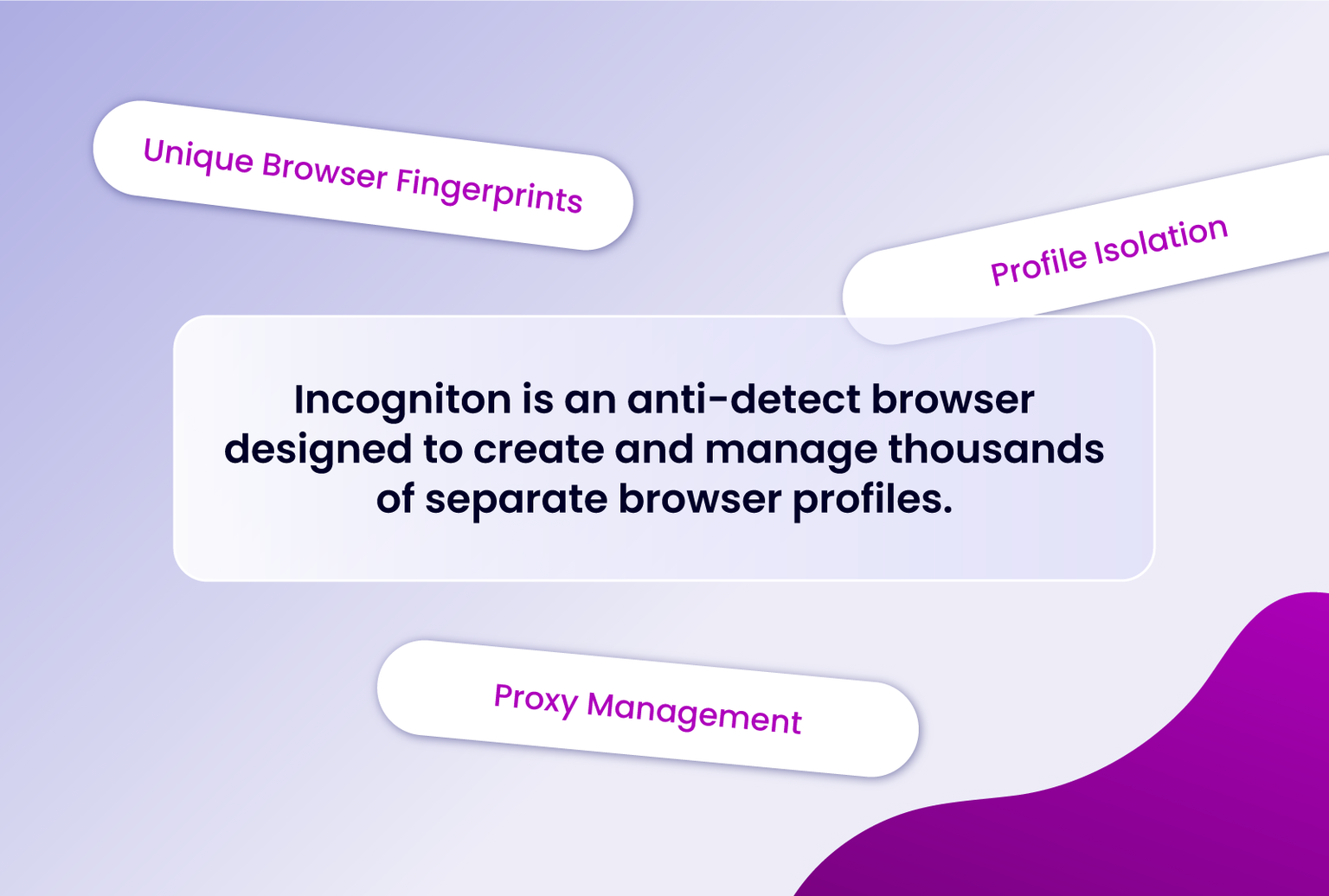
Incogniton is an anti-detect browser purpose-built for multi-account operations. Each profile runs inside a fully isolated environment with its own fingerprint - device type, OS, browser version, fonts, screen parameters, hardware signals - assembled to look like a distinct physical machine.
To any website, ten profiles on one machine look like ten separate devices. Fingerprints don't drift between sessions; a profile opened today will present the same signals it did two weeks ago. That consistency is what keeps long-lived accounts alive.
Note on jurisdiction: Incogniton is developed in the Netherlands and operates under GDPR-compliant data standards.
Profile-level proxy assignment. Each profile carries its own proxy connection - residential, mobile, or datacenter. The network identity is tied to the browser identity at the profile level, so there's no bleed between sessions.
Persistent, isolated profiles. Every profile keeps its fingerprint across sessions. Accounts behave predictably over time, which is the baseline requirement for anything beyond throwaway identities.
Paste as Human Typing. Sites don't just detect that text was pasted - they measure how fast it entered the field. Instant pastes flag as bots. This feature simulates real keystroke timing, with natural delays between characters.
Built-in OCR. Extract text from any image directly in the browser - useful for CAPTCHA text, promo codes, and form instructions without leaving the session.
Profile synchronizer. Managing dozens of profiles manually is impractical. The synchronizer copies actions and parameters from one profile to others, useful for setting up accounts at scale without repeating configuration steps by hand.
Team collaboration. Since version 2.2.0.0, profiles can be shared across team members with role-based access controls, with data synced through cloud storage. Teams work from the same profiles across devices without duplicating environments or breaking continuity.
Incogniton handles the device identity layer. GonzoProxy handles the network layer. The distinction matters: a polished fingerprint attached to a datacenter IP still looks suspicious on platforms that check IP reputation and residential classification.
GonzoProxy runs on a P2P network of 20M+ real devices worldwide, providing IP addresses with natural usage history - not datacenter ranges dressed up as residential. Residential proxies look like real users and pass platform moderation with ease, while mobile proxies rotate automatically and are suited for farming, A/B testing, and anything where "real user" behavior is critical.
The service covers 190+ countries and 2,000+ cities, with pricing starting from $2/GB. Purchased traffic never expires - buy it once, use it whenever you want. For operators running intermittent campaigns, that's a meaningful difference from bandwidth that burns on a billing cycle regardless of usage.
GonzoProxy supports both SOCKS5 and HTTP(S) protocols, with IP rotation configurable from 1 to 15 minutes. Sticky sessions are also available for workflows that require IP consistency across a session.
The setup happens entirely at the profile level and takes under 2 minutes per profile. For the full walkthrough, see the GonzoProxy + Incogniton setup guide
Step 1: Download and sign in to Incogniton
Install Incogniton from incogniton.com. Open the application and sign in to your account.
Step 2: Generate a proxy in your GonzoProxy dashboard
Log in to your GonzoProxy dashboard and generate a residential proxy for your target country. Select your rotation interval - sticky sessions for long-lived accounts, rotating for short sessions or high-volume tasks.
GonzoProxy will output your connection credentials. The host for residential proxies is pool.gonzoproxy.com on port 1000. Your login string includes geotargeting parameters for country, city, and session duration.
Step 3: Add the proxy to an Incogniton profile
In Incogniton, open Profile Management and create a new profile or edit an existing one. Navigate to the Proxy section and enter your GonzoProxy credentials: host, port, username, and password. Enable Rotating Proxy Server if using a rotating endpoint.
While in proxy settings, configure the following:
- Timezone – by IP
- WebRTC – fake + via proxy
- Geolocation – by proxy IP
This ensures the browser's reported location matches the IP's actual location - a mismatch is a common detection signal.
Under detailed settings, enable font substitution, mask Canvas/AudioContext/WebGL, and set media device counts to a consistent 1:1:1 ratio.
Click Check Proxy to verify the connection, then save the profile.
Step 4: Launch and verify
Start the profile. Inside the session, visit an IP check service to confirm that the GonzoProxy IP and expected location are active. Once verified, the profile is live with its own isolated fingerprint and dedicated network identity.
One more step worth taking: import cookies for the sites you'll be working with. Incogniton supports quick cookie imports, and warmed profiles pass platform trust checks noticeably better than cold ones.
Incogniton is a mature, well-built tool. Profile isolation is reliable, fingerprint generation is realistic, and the feature set covers both manual operators and teams running automation through Selenium or the REST API.
What determines the ceiling is the quality of the proxy layer. Even the best anti-detect won't help if the IP is flagged - but when you combine a real device IP with proper fingerprint configuration and human-like profile behavior, accounts have a real shot at long-term survival.
GonzoProxy's residential network covers that requirement: real device IPs, city-level targeting, no KYC, 24/7 support via Telegram, and traffic that doesn't expire. For operators who treat multi-accounting as infrastructure rather than a workaround, that combination is where reliable results start.

.webp)