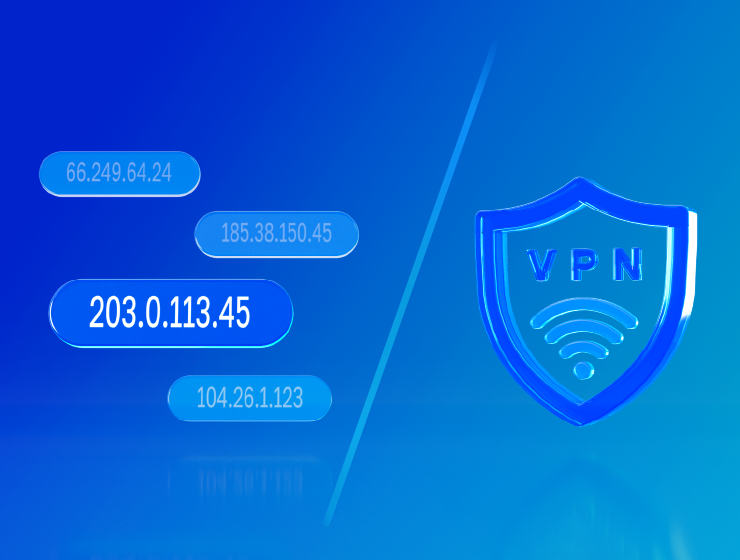
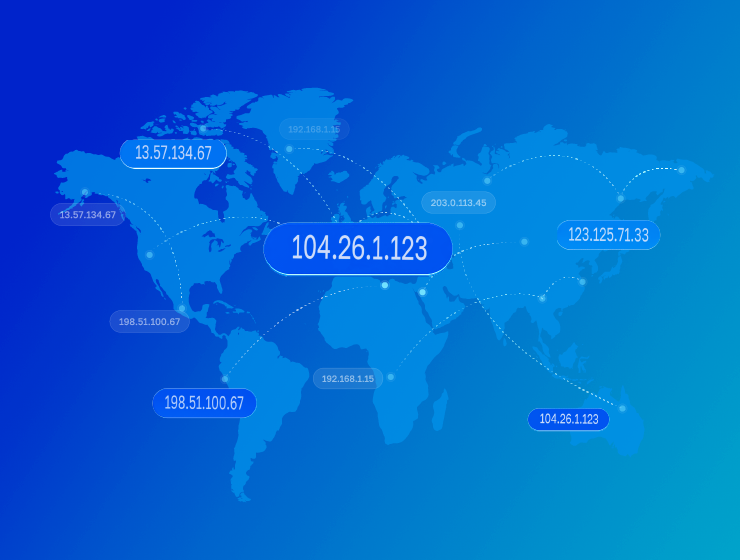
Residential proxies are basically when you go online not from your own IP, but through someone else's home connection. Like - you're sitting in one city, but websites think you're somewhere else entirely and are a completely different person. This helps bypass blocks and avoid getting flagged as a bot.
What the numbers say
Automated traffic is now the majority of the web: Imperva's 2026 Bad Bot Report puts bots at 53% of all web requests in 2025, against 47% from humans — the first year machines outnumbered people by this margin. Imperva Bad Bot Report 2026.

Contents
- What are residential proxies needed for?
- How do residential proxies work?
- How do residential proxies differ from others?
- Connecting residential proxies from GonzoProxy
- Examples of using GonzoProxy residential proxies in Python
- Pros and cons of residential proxies
- How to check residential proxies
- Common usage errors
With them you can:
- Hide your real IP address and protect anonymity
- Bypass blocks and geographical restrictions
- Work peacefully with services that carefully check traffic for authenticity
Most often residential proxies are used by:
- Traffic arbitrage specialists
- Marketers for ad analysis and competitor research
- SEO specialists for data scraping
- Professionals who need to maintain quality connections and avoid bans
Next we'll break down in detail how residential proxies work, how they differ from mobile and datacenter ones, and explain step by step how to use them.

Residential proxies are a tool for solving many key tasks:
Traffic arbitrage
- Managing hundreds of ad accounts without blocks (FB, Google, TikTok)
- Stable launch of ad campaigns and scaling without restrictions
Digital agencies
- Simultaneous work with hundreds of client accounts
- Guarantee of stable operation of all profiles without constant checks and bans
- Time and money savings when scaling agency tasks
SEO and web analytics
- Safe data collection from search results
- Getting accurate regional data and competitor monitoring
E-commerce
- Optimizing online purchases, conducting competitor price analysis
- Additional protection of your clients' personal data
- Great way to bypass geo restrictions and access foreign markets
Crypto farming
- Safe farming of airdrop accounts with unique IPs
- Participation in all promising token sales without risk of blocking
- Multi-accounting and automation of work on crypto exchanges
Dev automation
- Development and testing of software for multi-accounting
- Compatibility with AI bots and auto-clickers
- Rest API and ready libraries for quick integration
Residential proxies work through a network of real IP addresses of ordinary internet users who voluntarily or through special programs provide their IP address for use.
The working scheme looks like this:
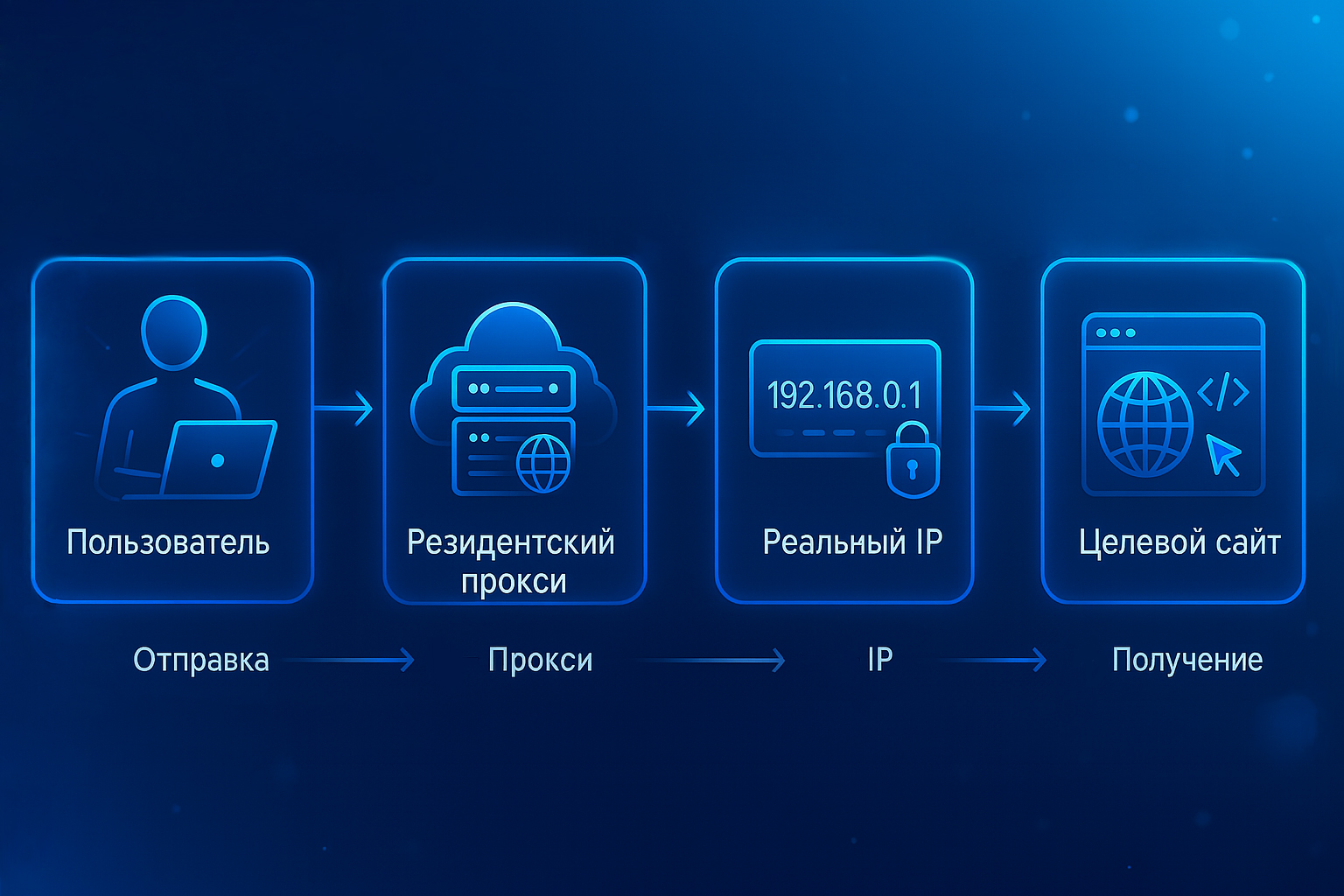
when you connect through a residential proxy, the website sees not a proxy server, but an ordinary user with a real IP address from an ISP (provider), for example, an IPv4 address of a home user.
Let's compare the main types of proxy servers:
Here's how to connect proxies using GonzoProxy service as an example:
Step 1: buying traffic
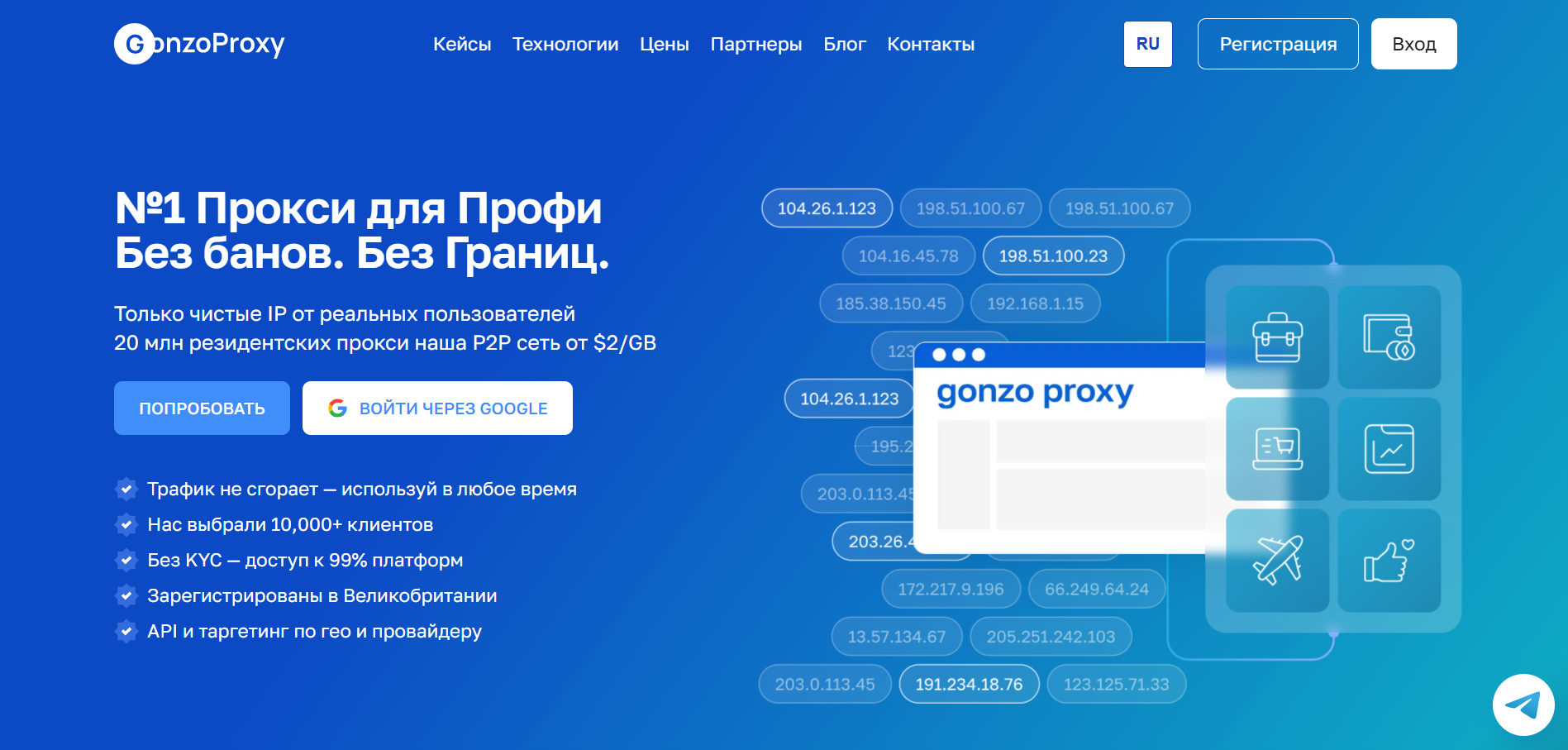
- Register on GonzoProxy
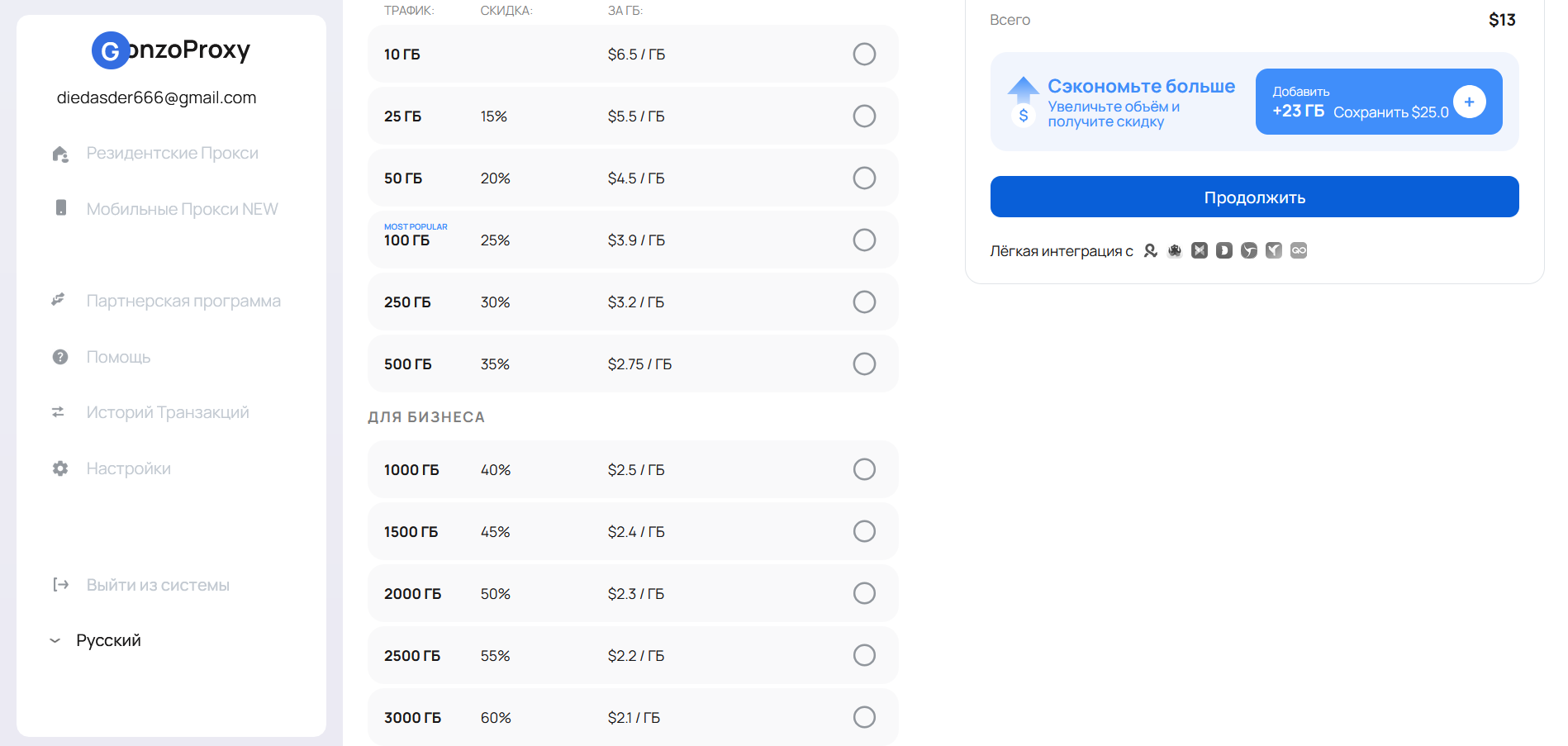
- Buy traffic (gigabytes), using promo code START15, which gives 15% discount on first purchase
- Traffic has no expiration date, and billing is only for used traffic
Pricing: $2 to $6.5 per 1 GB (depends on purchase volume
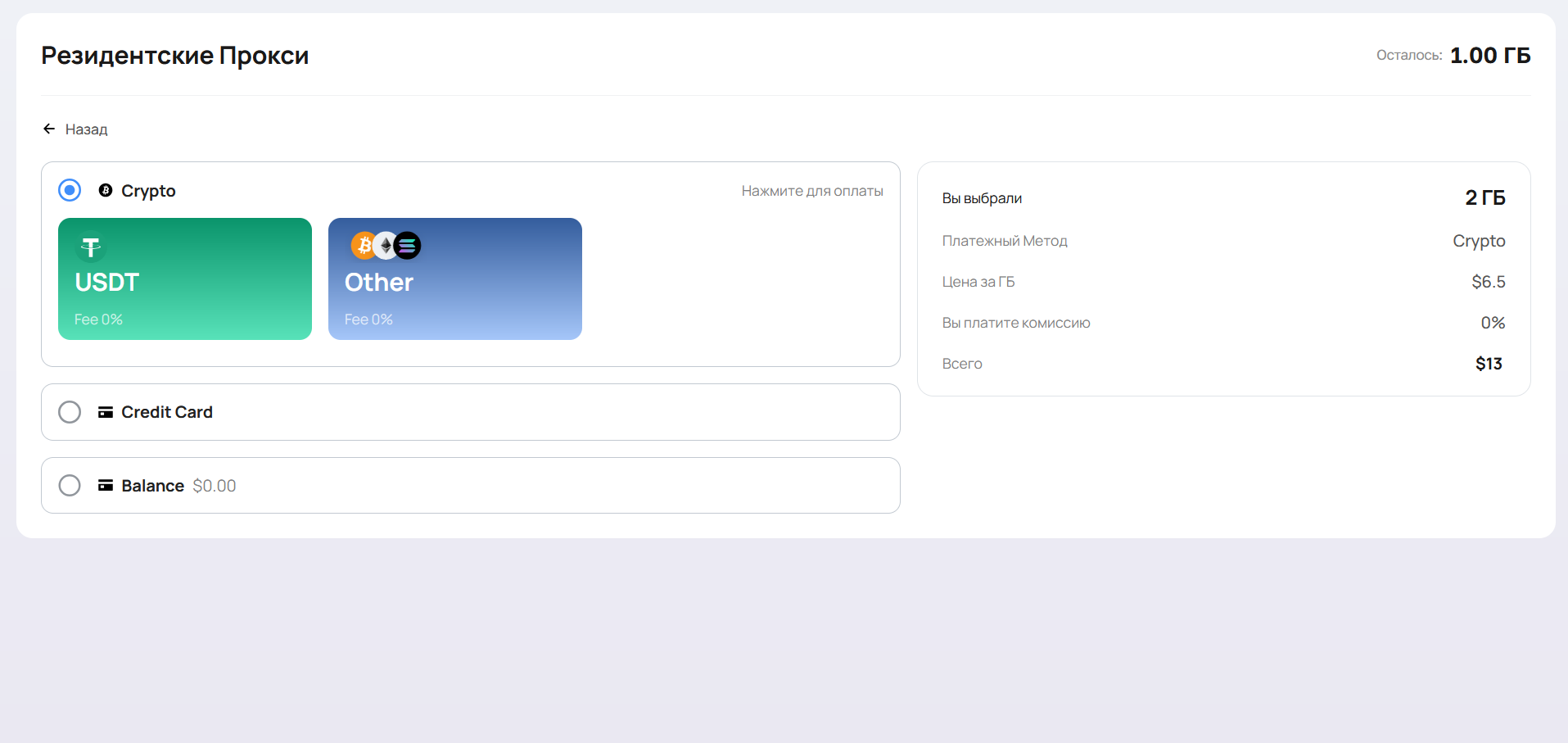
Payment methods:
- Bank card
- Cryptocurrency (20+ currencies supported)
Step 2: setting up proxies
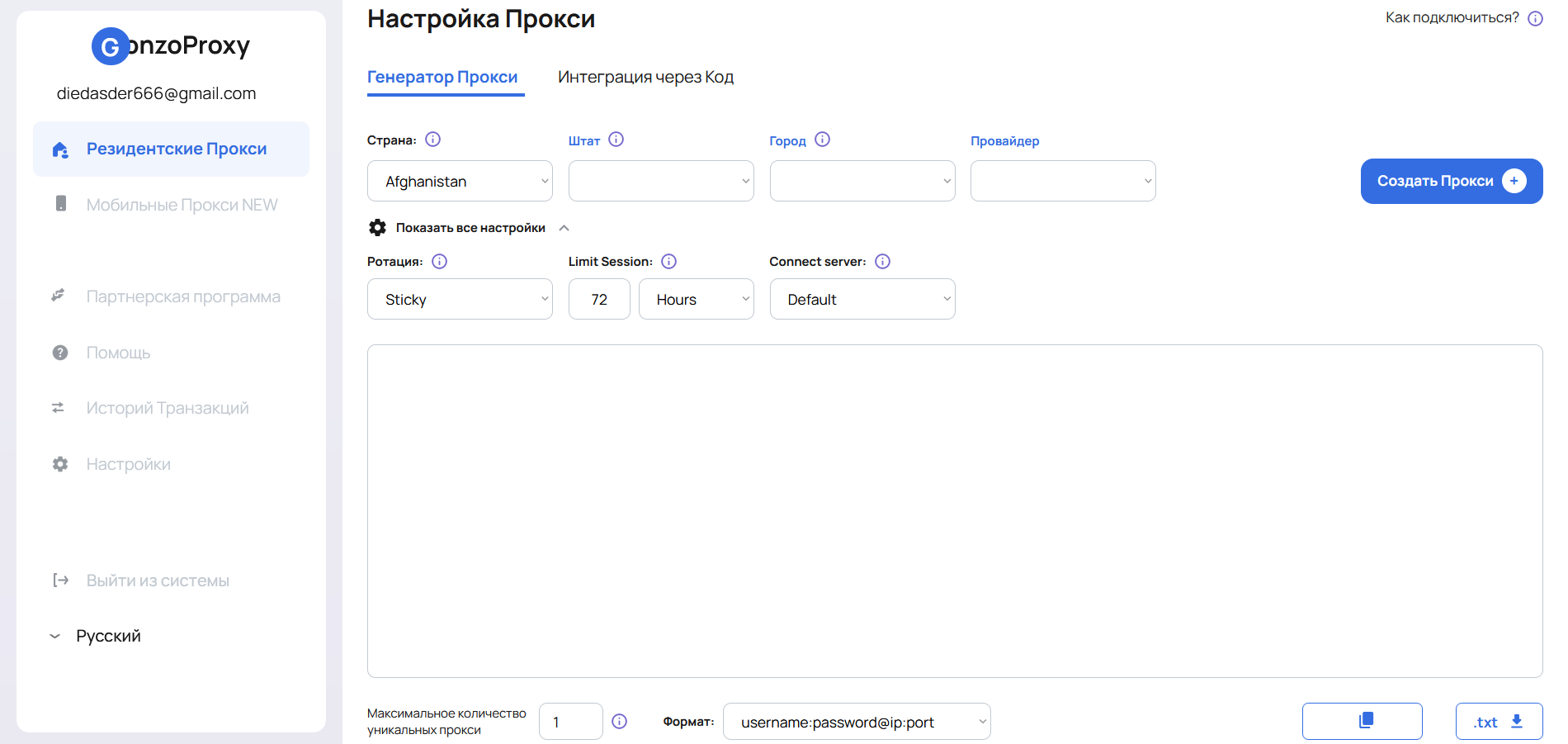
In the Proxy Setup window you can generate proxies with needed parameters:
- Country – choose the country from which IP addresses will be
- City/State/ISP – if working with accounts, better choose one city to avoid blocks
- Rotation – how often IP changes:
- Sticky – "sticky" session. IP remains the same for the entire session duration
- Randomize IP – each request gets a new IP (suitable for developers)
- Protocol – choose connection port: HTTPS / SOCKS5 (All GonzoProxy residential proxies automatically support both protocols)
- Limit Session – time during which IP won't change. For example, if you set 72 hours, IP will be preserved for this period, then a new one will be issued
- Server – choose region or leave default (Europe, Asia, USA)
Step 3: using proxies in antidetect browser
Example: Creating Armenia proxy with IP change every 72 hours.
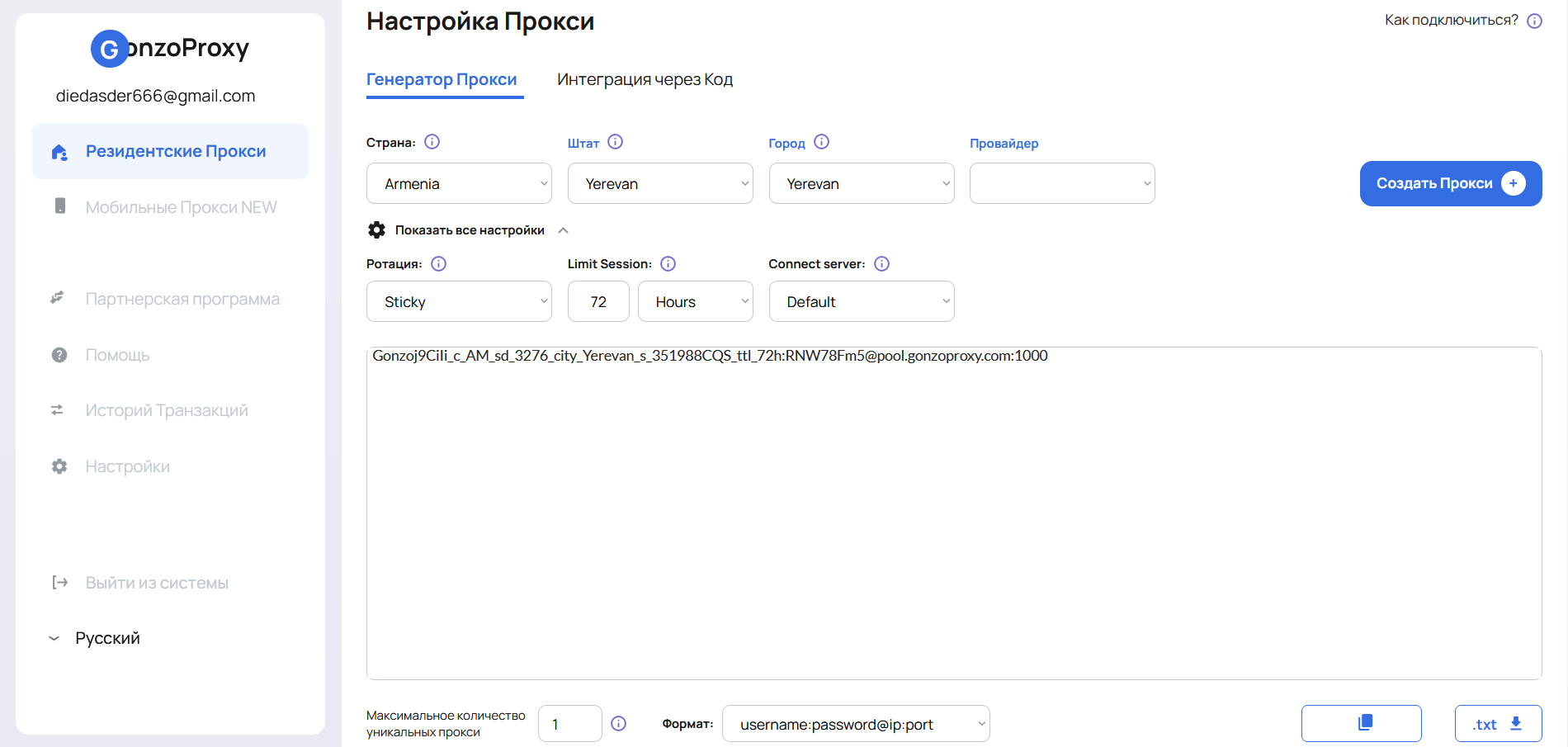
- Load created proxies into any antidetect browser (for example, Dolphin Anty)
- Create new profile and specify our proxy
- Check it for functionality
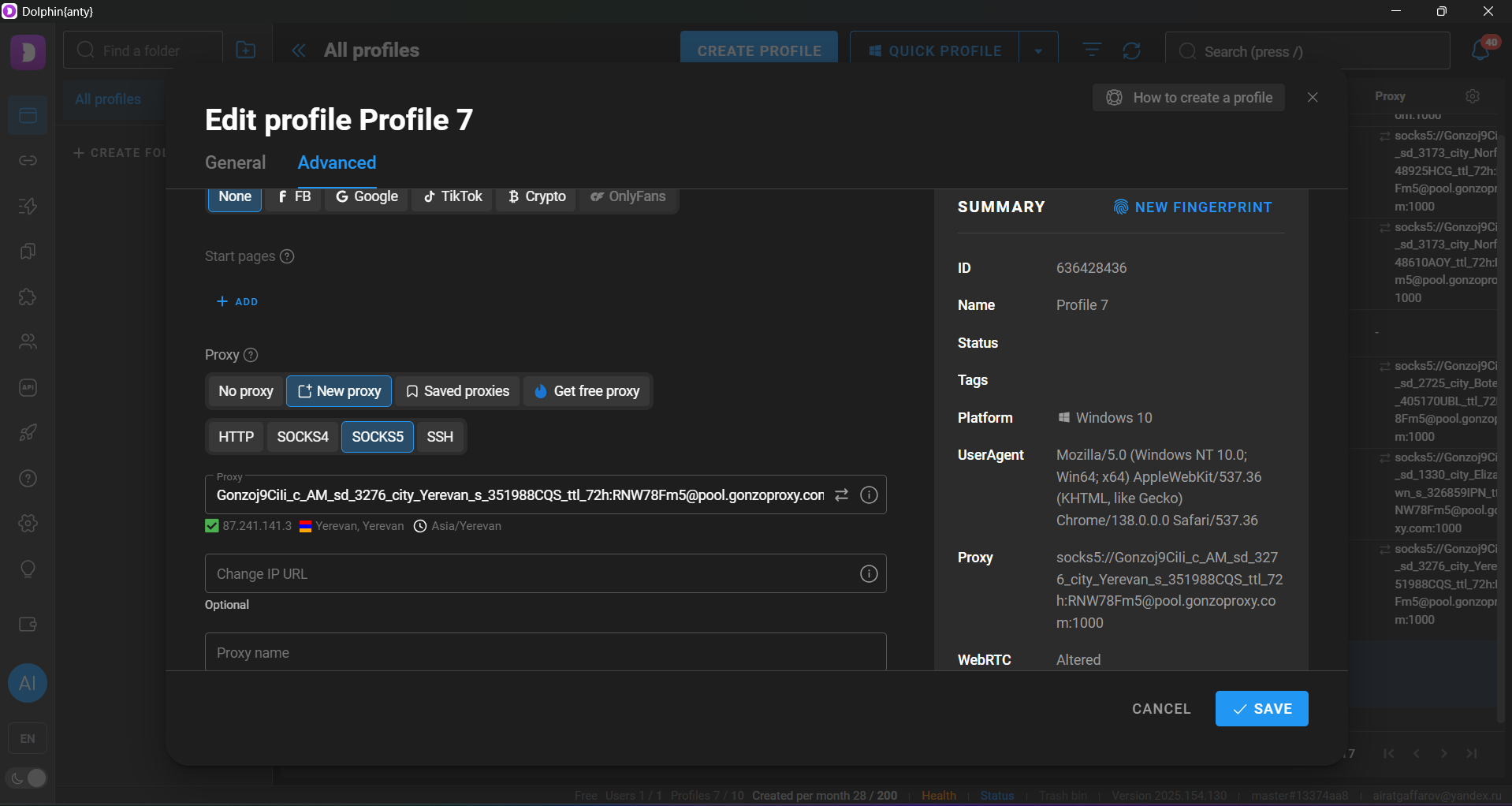
Step 4: testing functionality
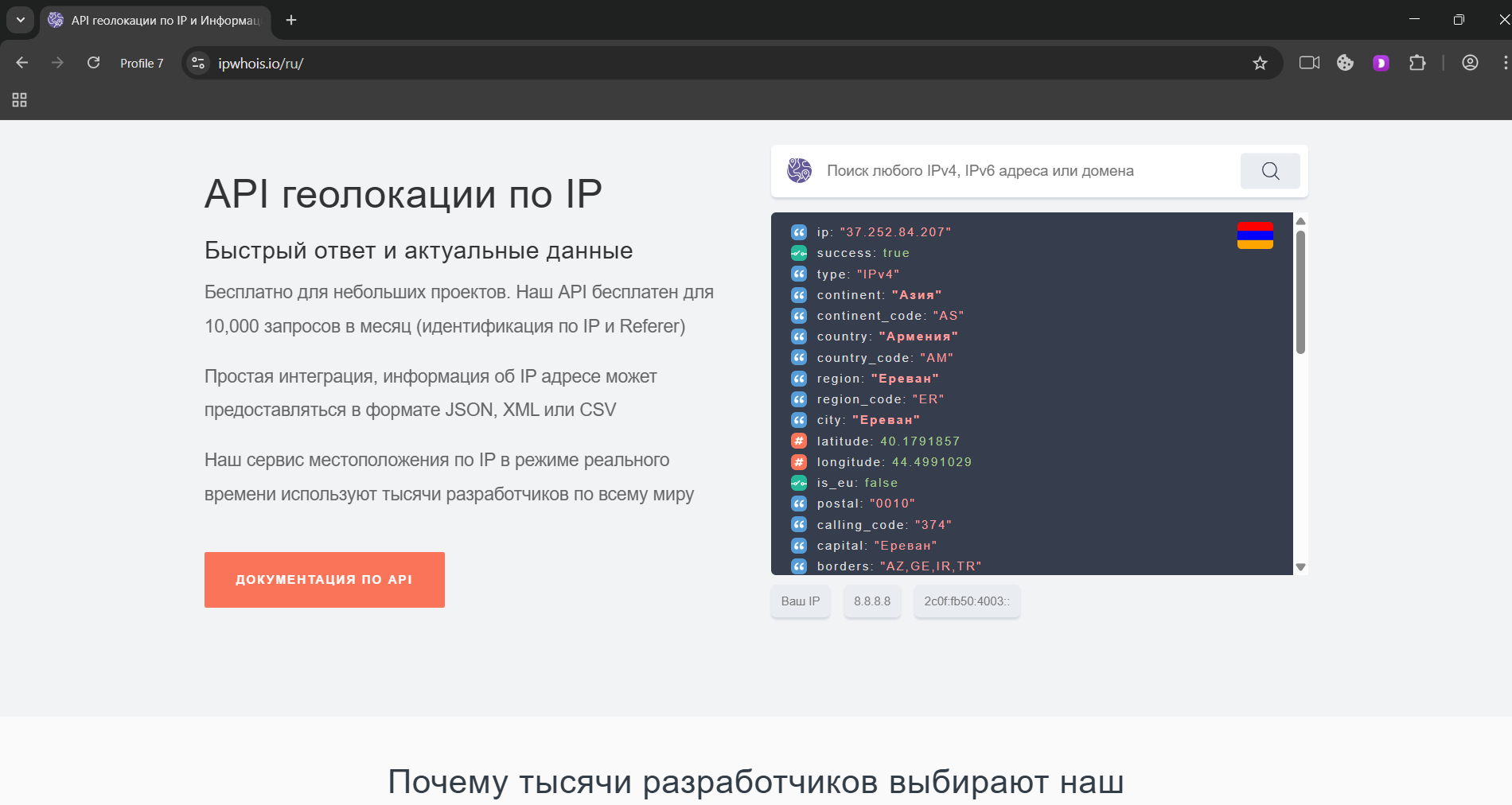
- Go to IPWhois website and check the proxy
- Everything works correctly
1. Collecting data from sites that block by IP
Task: Bypass parsing protection (Amazon, Google, Avito, Instagram, etc.)
import requests

proxy = {
    "http": "http://user123:pass123@proxy.gonzoproxy.com:9000",
    "https": "http://user123:pass123@proxy.gonzoproxy.com:9000",
}

headers = {
    "User-Agent": "Mozilla/5.0"
}

url = "https://www.amazon.com/s?k=ssd"

response = requests.get(url, headers=headers, proxies=proxy)
print(response.status_code)
print(response.text[:500])
2. Checking search engine results (SEO)
Task: Get SERP (search results) without blocks
import requests

query = "best laptop 2025"
url = f"https://www.google.com/search?q={query}"

proxy = {
    "http": "http://user123:pass123@proxy.gonzoproxy.com:9000",
    "https": "http://user123:pass123@proxy.gonzoproxy.com:9000",
}

headers = {
    "User-Agent": "Mozilla/5.0"
}

response = requests.get(url, headers=headers, proxies=proxy)
print(response.text[:1000])
3. Automation through Selenium using proxies
Task: Automate web page interactions while hiding IP
from selenium import webdriver
from selenium.webdriver.chrome.options import Options

options = Options()
options.add_argument('--proxy-server=http://user123:pass123@proxy.gonzoproxy.com:9000')
driver = webdriver.Chrome(options=options)

driver.get("https://www.whatismyipaddress.com/")
print(driver.title)

driver.quit()
4. Mass checking of links or products from different IPs (rotation)
import requests
import time

proxy_base = "http://user123:pass123@proxy.gonzoproxy.com:9000"

urls = [
    "https://site.com/product/1",
    "https://site.com/product/2",
    "https://site.com/product/3"
]

for url in urls:
    response = requests.get(url, proxies={"http": proxy_base, "https": proxy_base})
    print(f"{url}: {response.status_code}")
    time.sleep(5)  # pause, imitating human behavior
5. Bypassing blocks in Telegram API, Discord, etc.
import requests

proxy = {
    "http": "http://user123:pass123@proxy.gonzoproxy.com:9000",
    "https": "http://user123:pass123@proxy.gonzoproxy.com:9000",
}

url = "https://api.telegram.org/bot<TOKEN>/getMe"
response = requests.get(url, proxies=proxy)

print(response.json())✅ Pros:
- High anonymity and security
- Long IP address lifespan
- Low probability of blocks
- Suitable for wide range of tasks
❌ Cons:
- Main downside – they're usually more expensive than datacenter ones
- Work speed depends on connection quality of the end user whose IP you're using
You can check residential proxies through these services:
- IPWhois – shows country, provider and IP ownership
- ProxyCheck – checks speed, reliability and IP address anonymity
Checking will help ensure that the used IP actually belongs to a residential network.
Here are common problems and ways to solve them:
Authorization error
Solution: Double-check the correctness of specified login and password.
Low connection speed
Solution: Choose different country or IP, check load on your end.
Frequent bans on target resources
Solution: Reduce load, change IPs more often or set up proxy address rotation.
FAQ


Residential proxies are useful stuff for those working with traffic, SEO or advertising. They help bypass blocks, avoid detection and get access where regular IPs won't let you in.
GonzoProxy has access to thousands of real IPs and simple interface. And to test it out – register and get a promo code for 15% discount to start.